Weather Neon for Android
Your screen.
Your weather.
Neon weather forecasts and clock widgets for your Android home screen.

 Meet the full app
Beyond the home screen
A forecast
with personality.
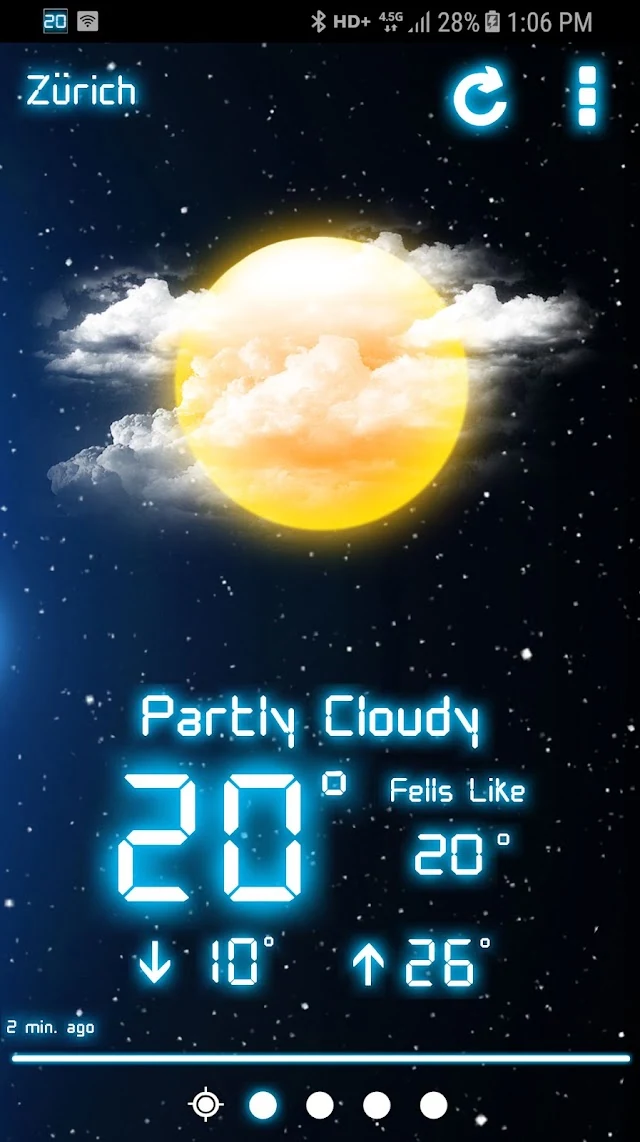
Open Weather Neon for a closer look at the weather. Explore hourly and upcoming forecasts, switch between locations, and enjoy a little color in your day.

A forecast with a glow
Your weather, with a distinctive neon look.
A different kind of glow
A bright pink look for your daily forecast.
Look a little further
Explore the forecast for the days ahead.
Actual Android app screenshots. Screens and options may vary with your version.
See it in action
A little look
inside Weather Neon.
Watch the original app walkthrough from MobileRise. Explore the weather screens and see the neon look in motion.
Original app video. The interface may differ from your installed version.
Watch on YouTubeTips & guides
Make the most of
your home screen.
Start with our Weather Neon widget layout guide , then get help setting up your widgets and keeping your weather up to date.
Your first weather widget
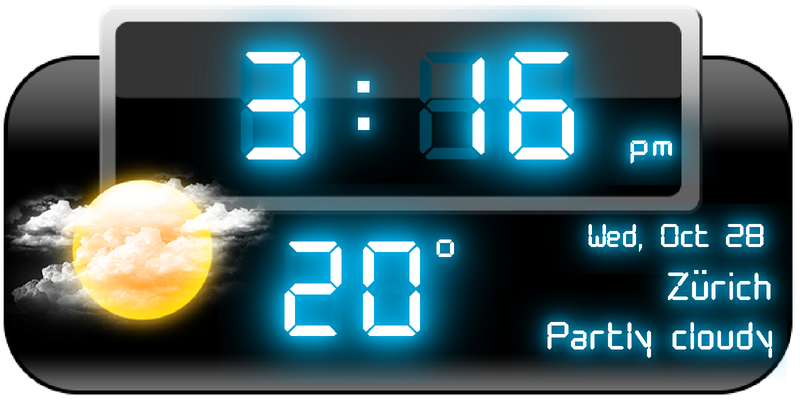
Add a widget to your Android home screen, adjust its size and find a layout that feels right.
Add a widget Resize Arrange Read the setup guide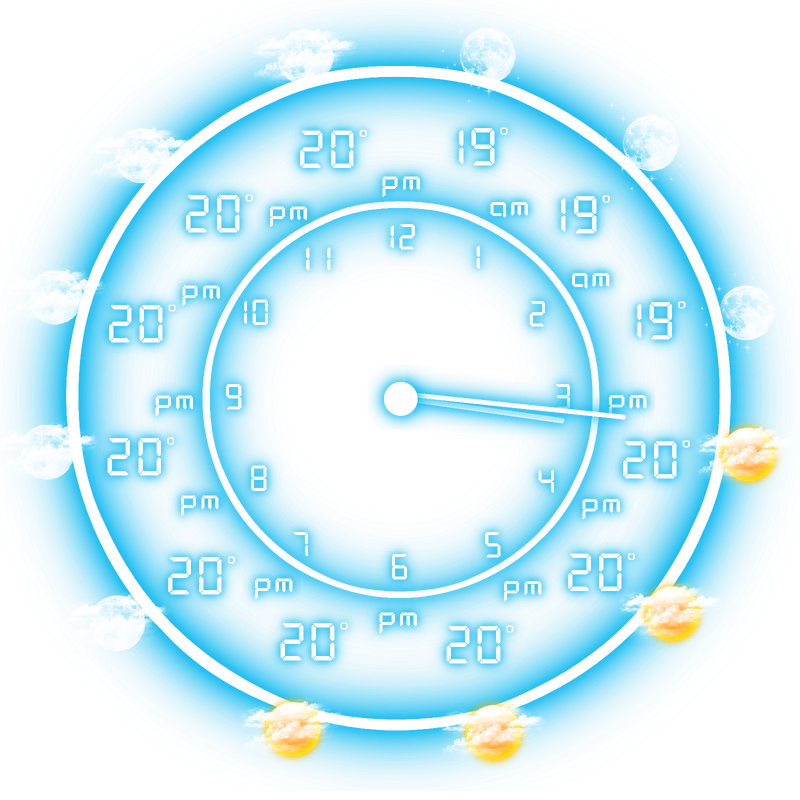
Weather not updating?
Work through the common causes of a stuck forecast, from battery settings to location access.
Battery settings Location Refresh Find a fixRead the full guides on UnitedWeather, home to our weather apps.
How do I add a Weather Neon widget?
Install and open Weather Neon first. On most Android launchers, touch and hold an empty area of your home screen, choose Widgets, then find Weather Neon. Drag a widget to your home screen and follow any setup prompts. Menu names vary by device.
Can I choose a different widget style?
Weather Neon includes different clock, forecast and weather designs. Explore the widget choices available in your installed app. The gallery above shows examples from the app; available styles and settings can vary by version.
Why is my widget showing older weather?
Open Weather Neon and check whether the forecast updates there. Confirm your connection and selected location, then check the app’s background and battery settings. Our widget troubleshooting guide walks through these steps.
Is Weather Neon available for my phone?
Weather Neon is an Android app. Google Play shows current availability and compatibility for your device.
Weather Neon
Bring a little glow
to your every day.